

Home / Services / Interactive models
Select a floor and see the model respond
Connect the physical detail with the information on screen. Titan Models creates interactive presentations that help viewers locate a floor, follow a lighting sequence or explore a development through an agreed control interface.
Discuss an interactive model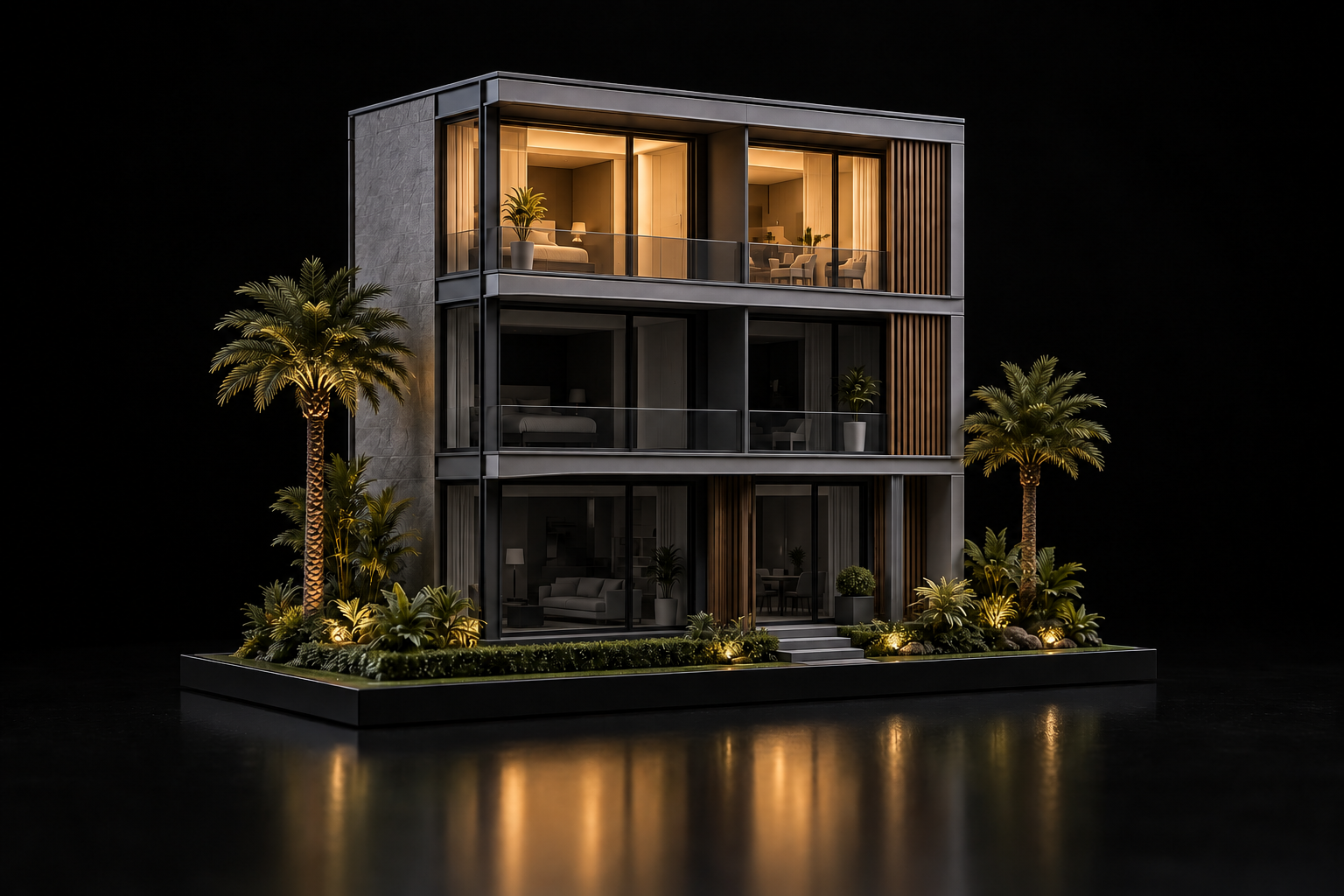
Make every
selection clear.
A floor-plan interface can activate corresponding lights in the physical model, helping your audience locate a floor or zone.
03 / PRESENT
Select a floor.
Light the model.
A purposeful connection between physical detail and digital control.
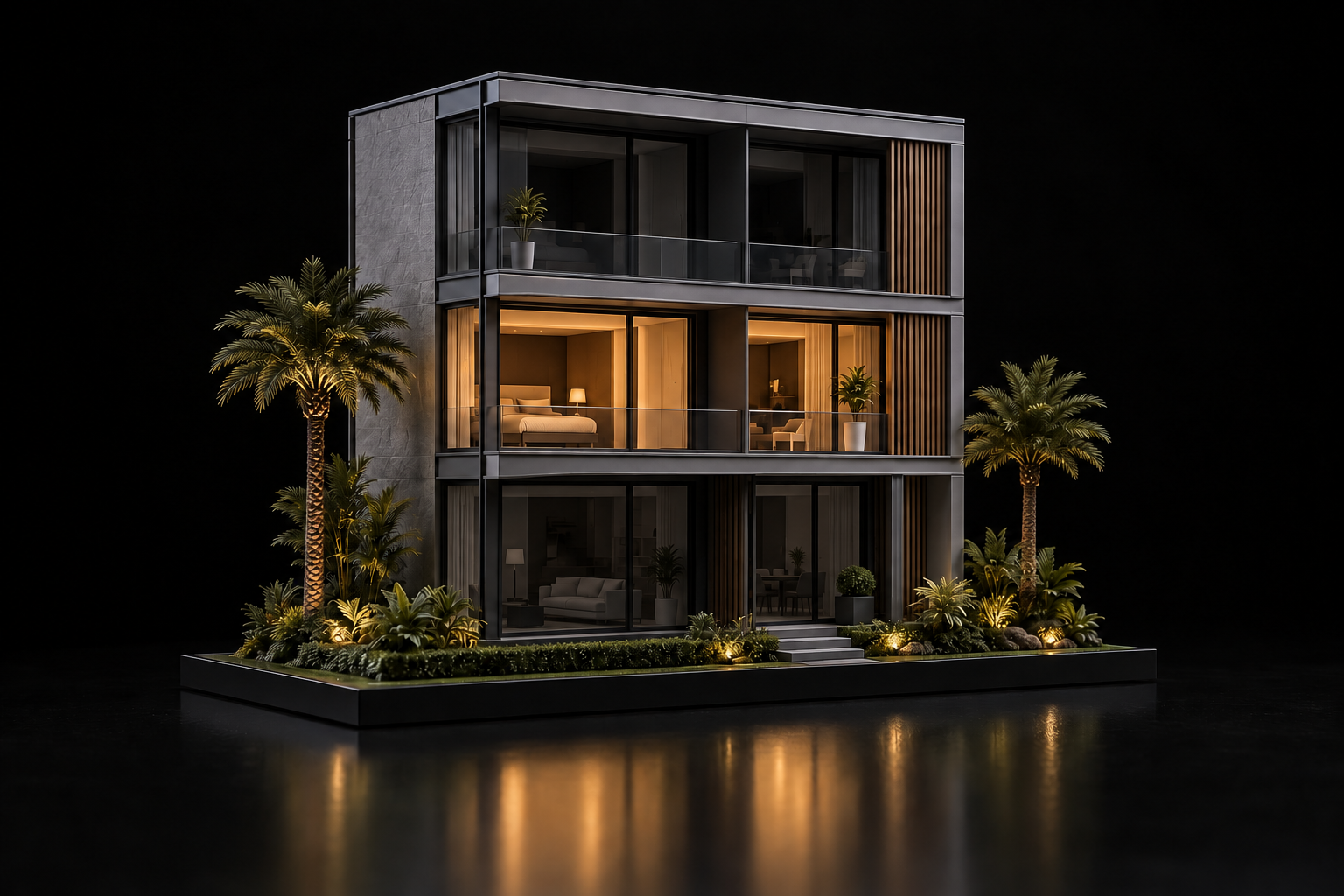
02 floor selected. Corresponding model floor illuminated.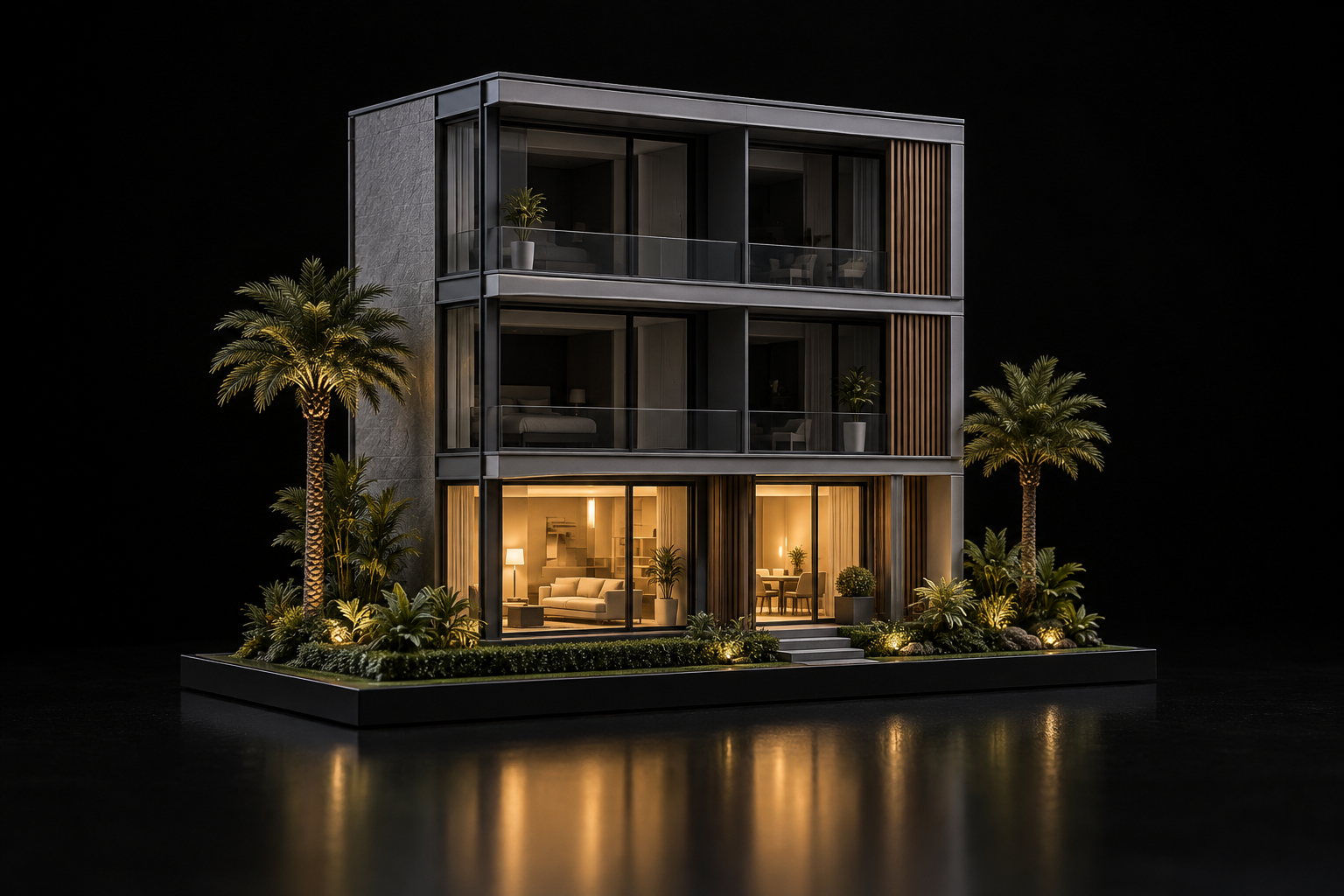
THE CAPABILITY
Designed around
your presentation.
Connect the plan to the model
A floor-plan interface can activate corresponding lights in the physical model. The selection gives the presenter a direct way to show a floor or zone during the conversation.
Bring the presentation together
SENSI combines the architectural model, built-in control screen and location display on one table. Each element has a place within the overall presentation.
Plan the controls around your story
Different projects need different ways to explore. Existing Titan Models work includes tablet-controlled unit selection and animated lighting for industrial systems. Define the information and actions your audience needs first.
YOUR PROJECT
Defined around
your brief.
For guided model presentations
Selection and lighting that help a presenter identify a floor, unit, zone or sequence.
What the scope includes
The specified model features and lighting controls. Confirm which interface, devices and supporting project content are included; requirements differ between projects.
START THE CONVERSATION
What to share.
Model and floor plans; proposed controllable floors, units or zones; available project content; display setting; intended user controls; target delivery date.
Send us your brief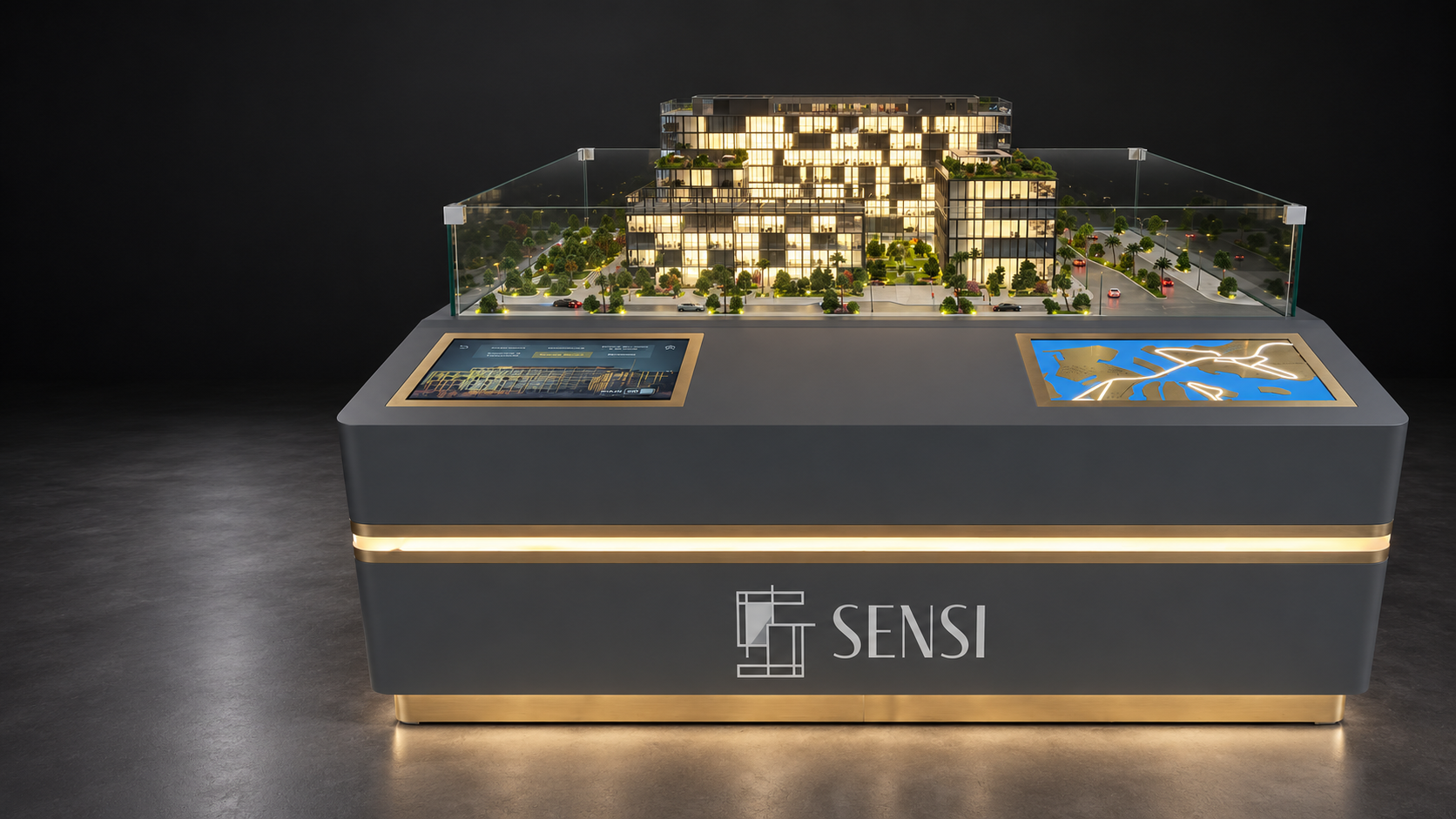
YOUR QUESTIONS
Before we begin.
Can the controls select individual floors or units?

Yes. Floor and zone selection are among our capabilities, and The Dorchester Collection model uses tablet controls for individual units. The selections for a new model are defined in its brief.
Can the screen and model share one table?
Yes. The SENSI presentation brings the architectural model, built-in control screen and location display together on one table.
Can lighting explain a sequence?
Yes. Sequenced animated lighting is used in the Jubaili Bros model to illustrate power supply to a town.
Can you add controls to our existing model?
Share photographs, drawings and details of its current lighting and controls. The team will need to assess the model before confirming an integration scope.
EXPLORE FURTHER
Keep exploring.
See The Dorchester Collection for tablet-controlled unit selection and floor slab lighting, or Jubaili Bros for a sequenced power-supply demonstration.
View SENSI View The Dorchester CollectionPlan an interactive presentation
Share the model scope, the floors or zones to control and the information you want to present. Include your display setting and available project files.
 info@titanmodels.ae
 +971 52 966 3372