

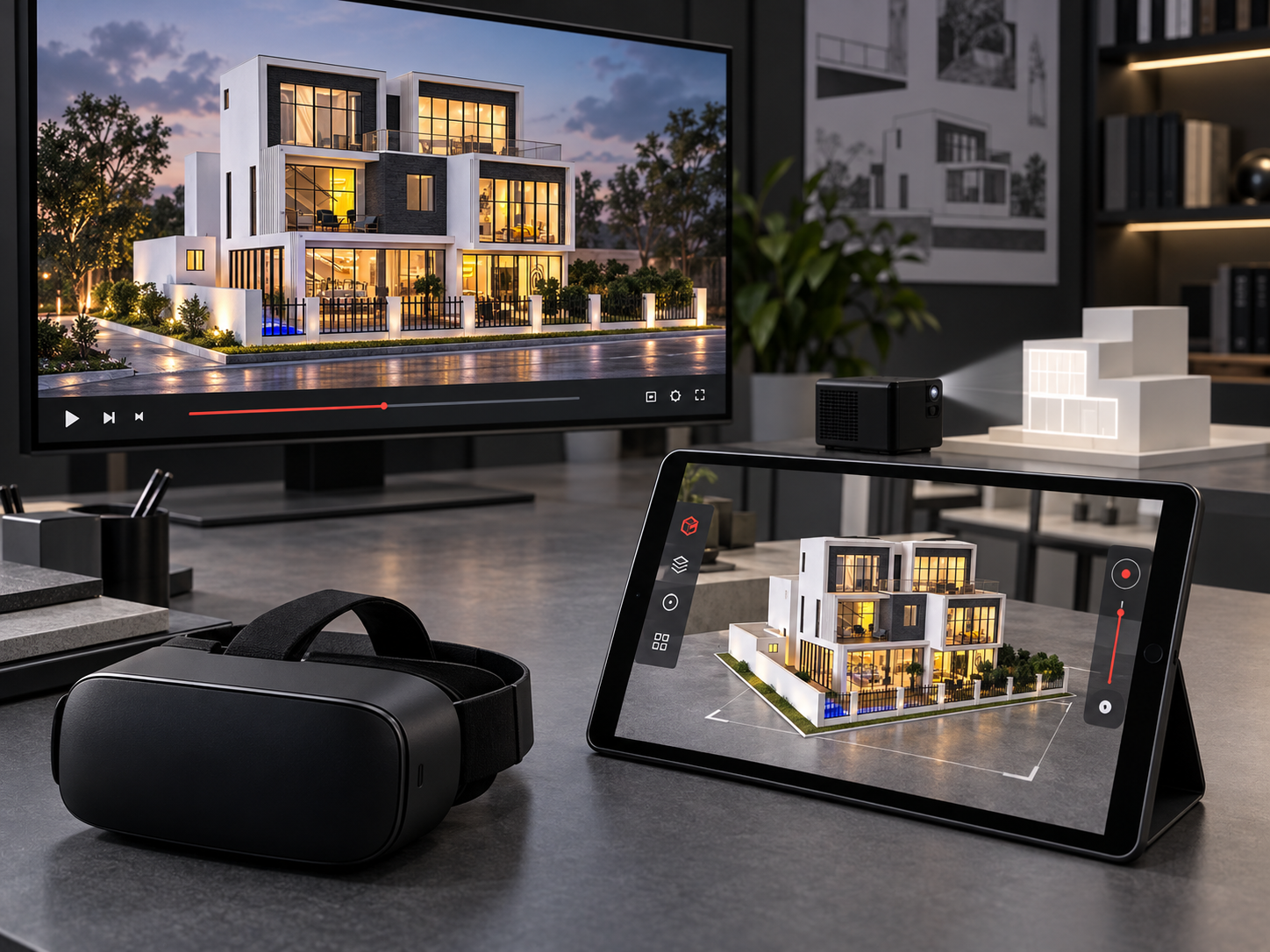
Begin with the audience
Identify who will see the project and the questions they are likely to ask. A presentation may need to explain the development as a whole, introduce a route through it or focus on selected spaces. Choose the formats around those needs.
Give the physical model a role
A physical model provides a shared view of the architecture and its setting. Viewers can relate different parts of the project in one display. Define the scale and detail around the relationships the model needs to communicate.
Give animation a role
Architectural animation can introduce a planned sequence of views. Discuss the spaces, viewpoints and narrative you want to show, along with the available design files. Confirm the required film content and delivery format as part of the digital brief.
Distinguish the digital options
Animation is a planned visual sequence. VR offers an immersive viewing experience, while AR places digital content within a physical setting. Applications and interface design organise project information and controls. Projection mapping uses projected content on a surface. Each requires its own agreed scope.
Keep the information consistent
Use the same approved design references across the model and digital content. Identify the current drawing versions and how changes will be reviewed. Titan can discuss the physical model and its approved digital capabilities around a coordinated presentation brief.
 info@titanmodels.ae
 +971 52 966 3372